Drop a folder here.
Grab it from anywhere.
Between your laptop and your desktop. Between you and the people you trust. Nimbreth keeps a folder in sync straight between your machines.
Download for macOS and Linux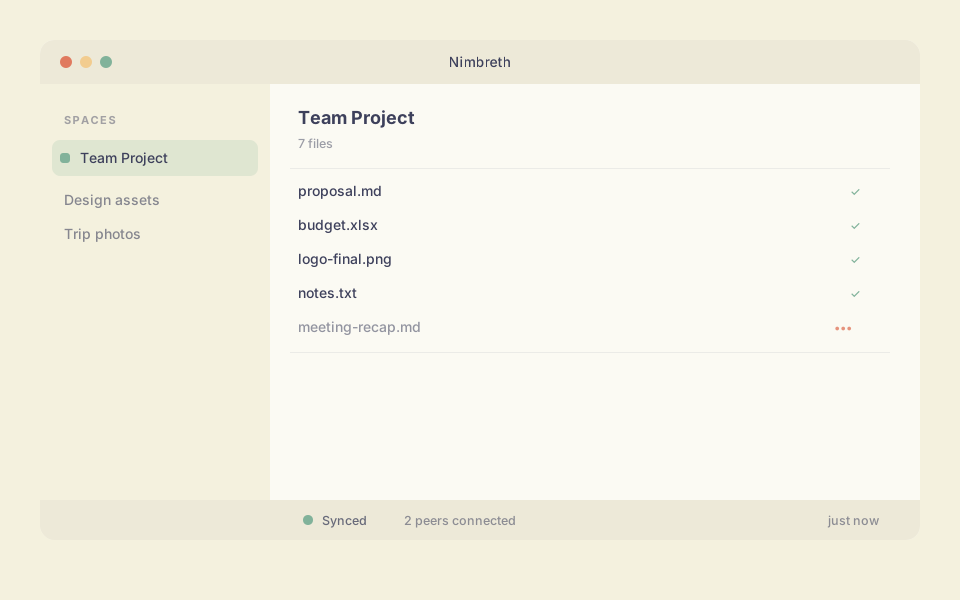
Between your laptop and your desktop. Between you and the people you trust. Nimbreth keeps a folder in sync straight between your machines.
Download for macOS and Linux Install, open, and you have a shared space. Send one key. The other person is in. That is the whole setup.
Files go straight from your machine to theirs. Hit save and they have it. The connection is encrypted, so what you share stays between you.
Your laptop, your desktop, a friend's laptop. The same folder, always current. It works offline and catches up the moment you reconnect.
Download it for macOS or Linux and open it. Nimbreth picks a sensible home for your files, so there is nothing to configure.
Give it a name, like whatever you are working on. Nimbreth sets up a folder and starts keeping it in sync.
Copy the space's share key and send it to whoever is joining. That is their whole onboarding.
They paste the key, and the folder appears on their machine, already syncing.
Nimbreth keeps them in sync between your machines and the people you share with.
Download Nimbreth